Premium Custom Stickers. Made in the USA. Shipped Nationwide.
Sticker Swan is a U.S.-based custom sticker manufacturer serving customers nationwide. We print, laminate, and precision-cut premium waterproof vinyl stickers in gloss, matte, clear, holographic, and specialty finishes. Enjoy fast production on print-ready orders and free standard U.S. shipping.
Applies to print-ready, fully paid orders. Delivery time begins after carrier acceptance. Estimates may change around carrier holidays.
Why Choose Sticker Swan for Custom Stickers?
Instant Online Preview
Upload your artwork and preview your custom sticker before ordering.
Made in the USA
Premium waterproof vinyl stickers, professionally printed, laminated, and precision-cut in the USA.
Fast In-House Production
Print-ready orders placed and paid by 12 PM ET qualify for same-day printing, subject to production availability.
Free U.S. Shipping
Free standard U.S. shipping is included with every sticker order.
100 Custom Vinyl Stickers Starting at $18
Upload Your Artwork • Precision Die-Cut • Fast U.S. Production • Free Standard Shipping
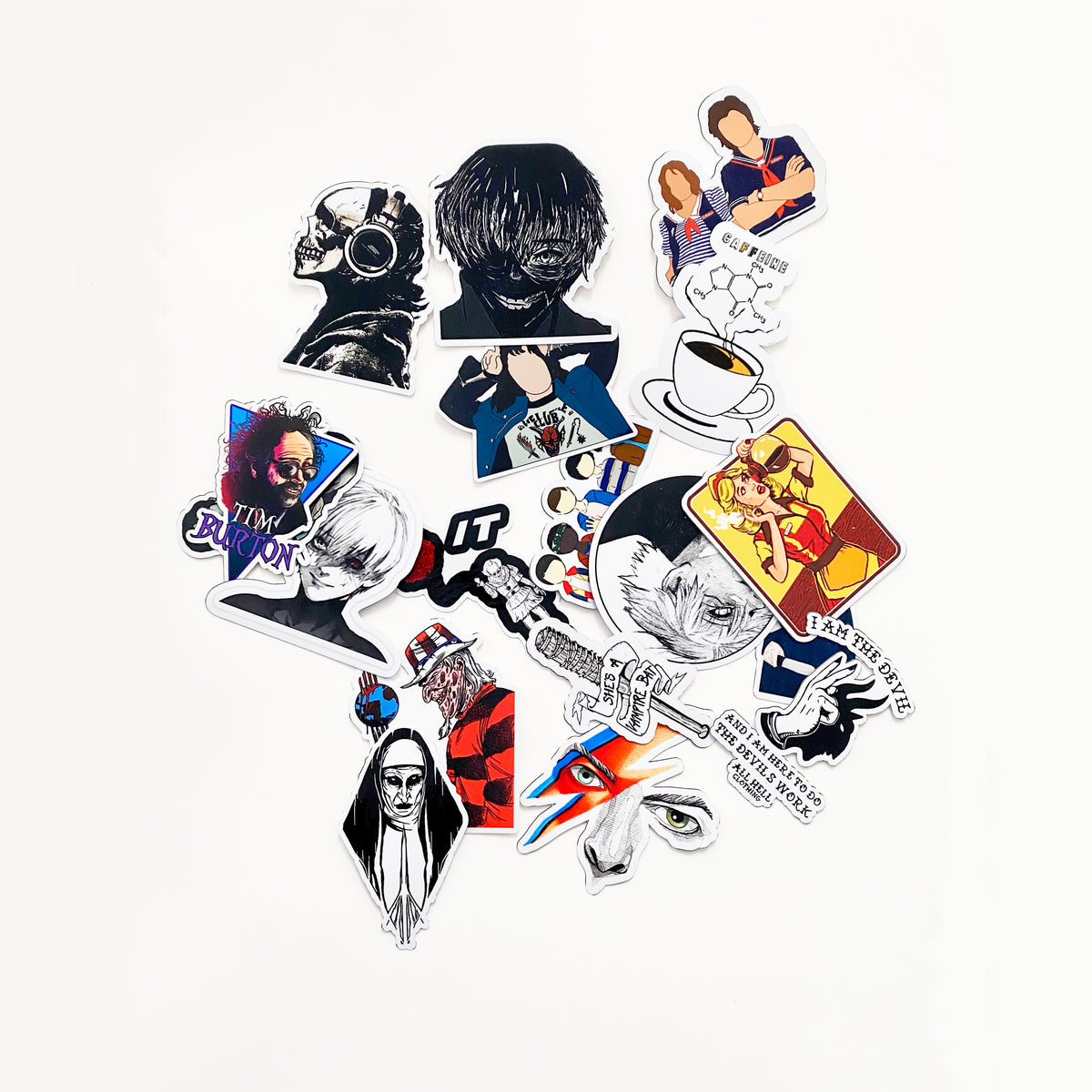

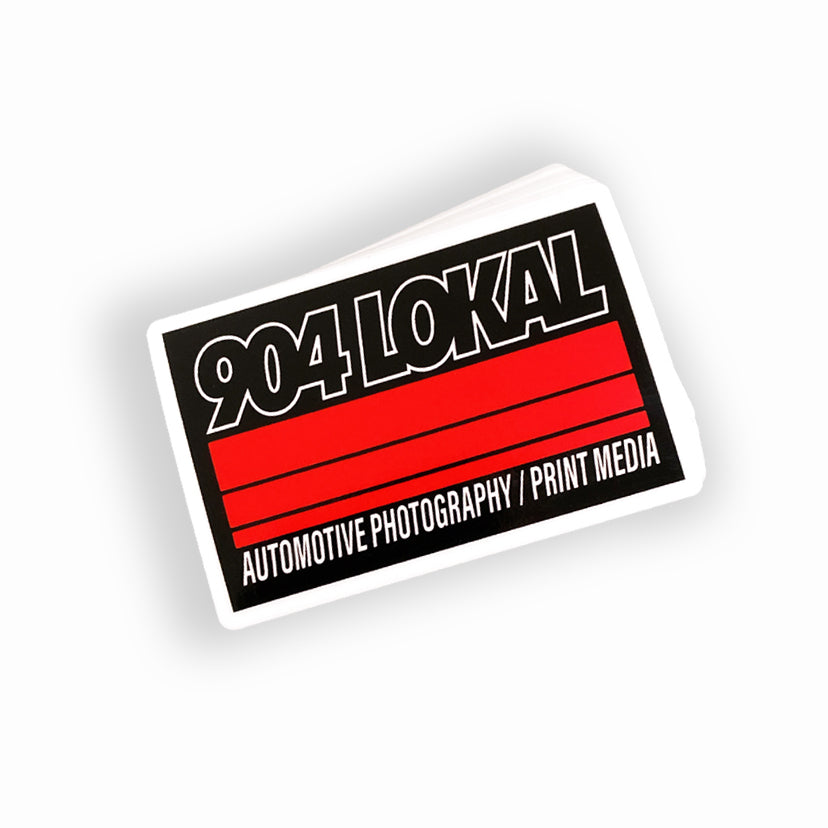
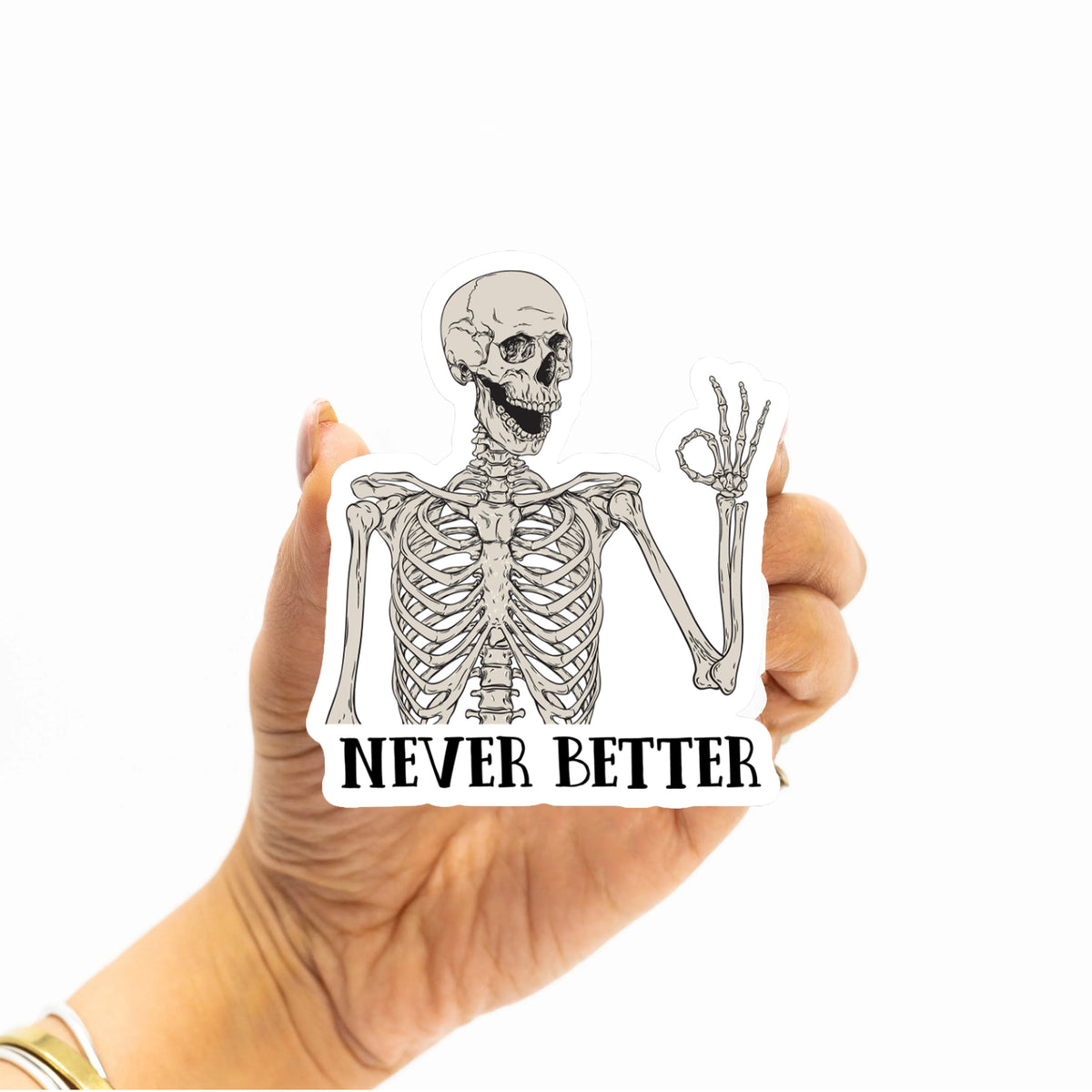
100 Custom 3″ Vinyl Stickers for $25
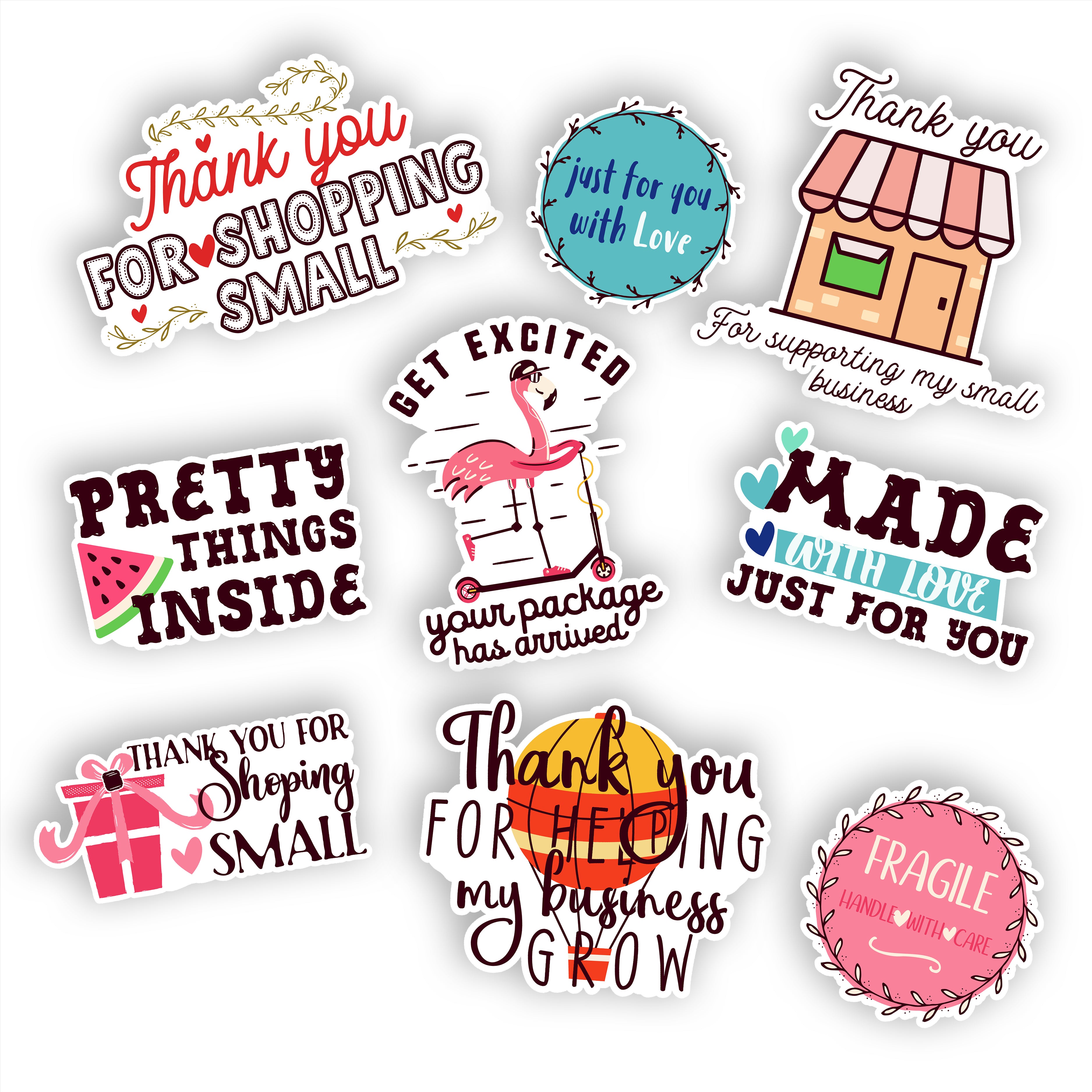
100 Custom 2.5″ Vinyl Stickers for $18 – Waterproof & Die-Cut
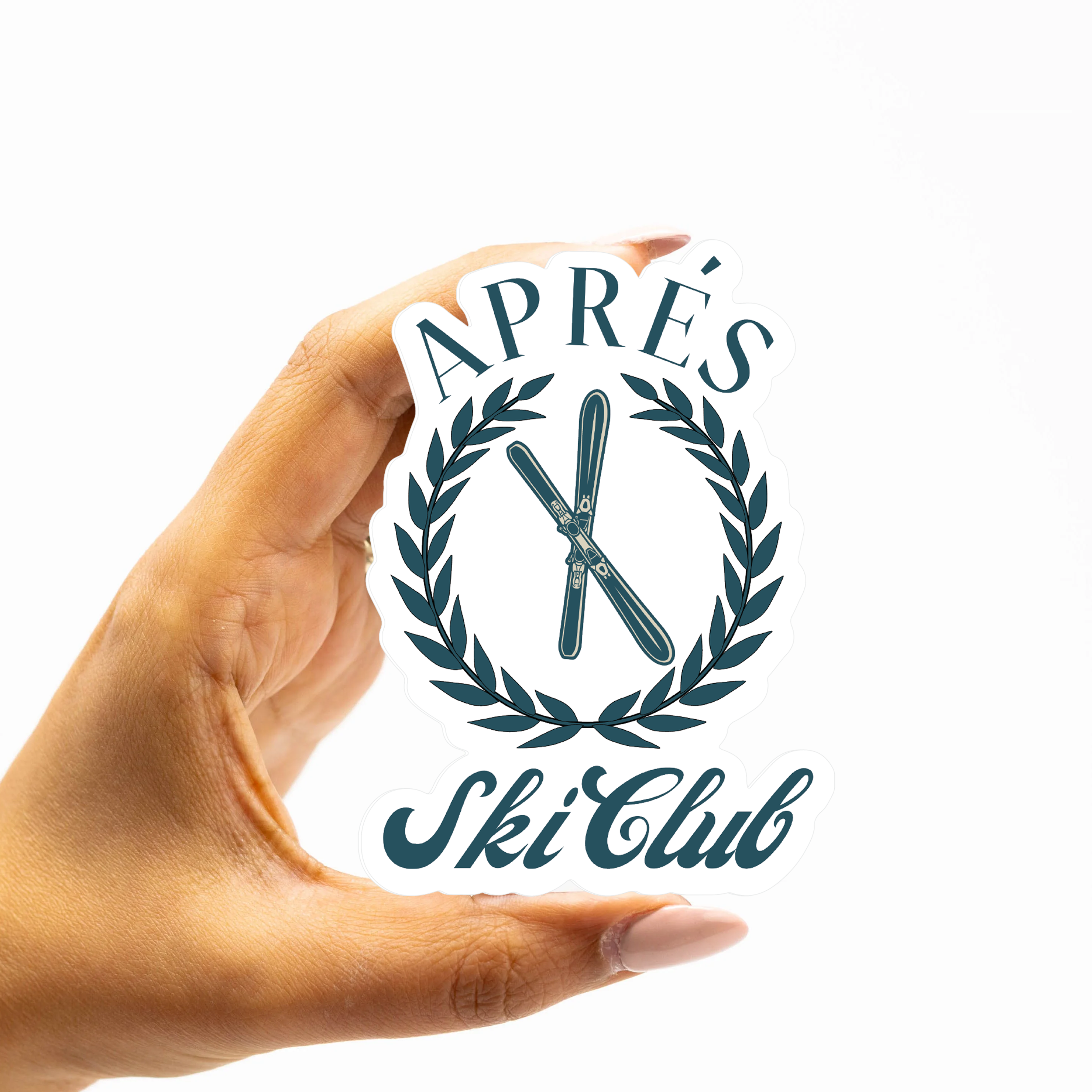
500 Custom 3″ Vinyl Stickers for $119
100 Custom 4″ Vinyl Stickers for $39
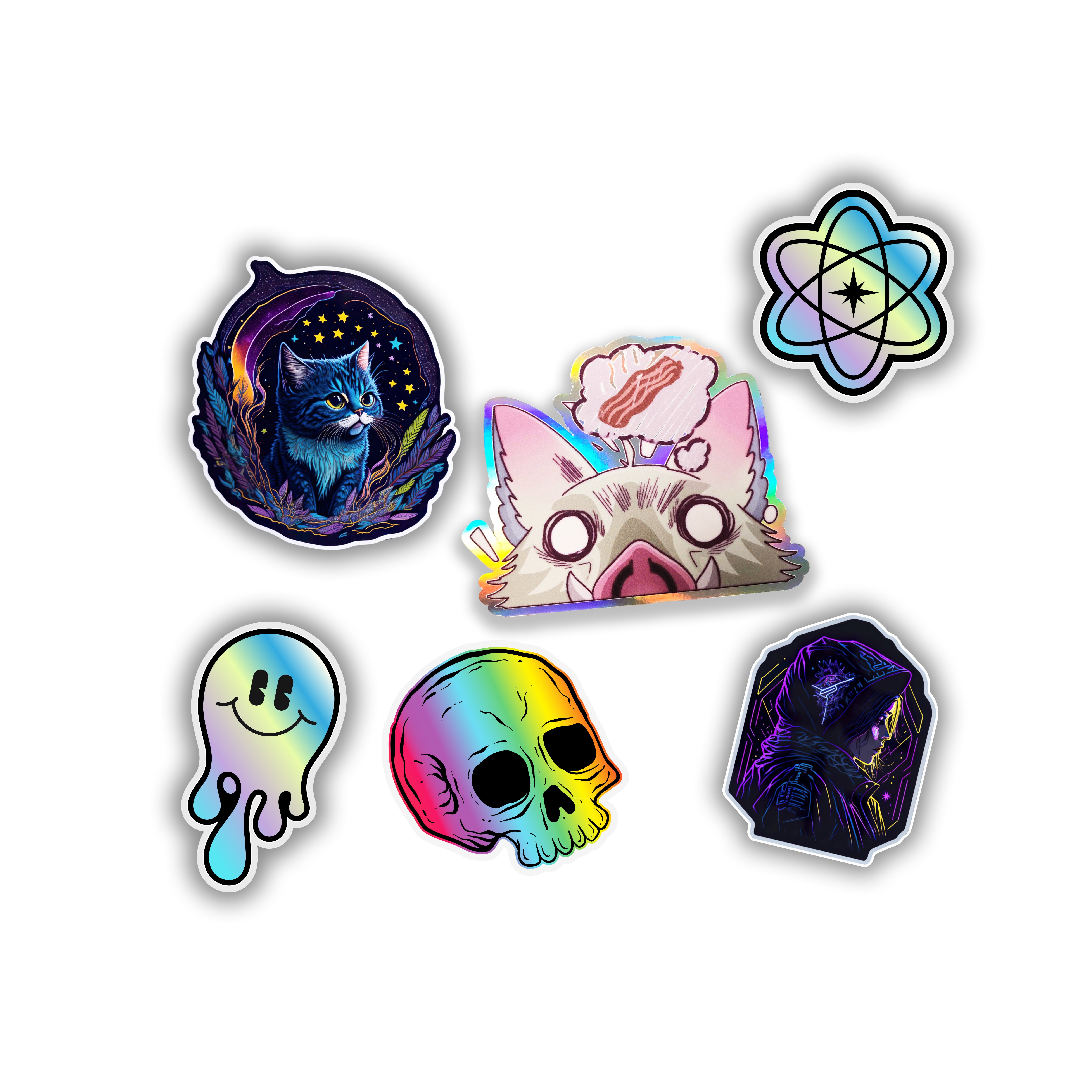
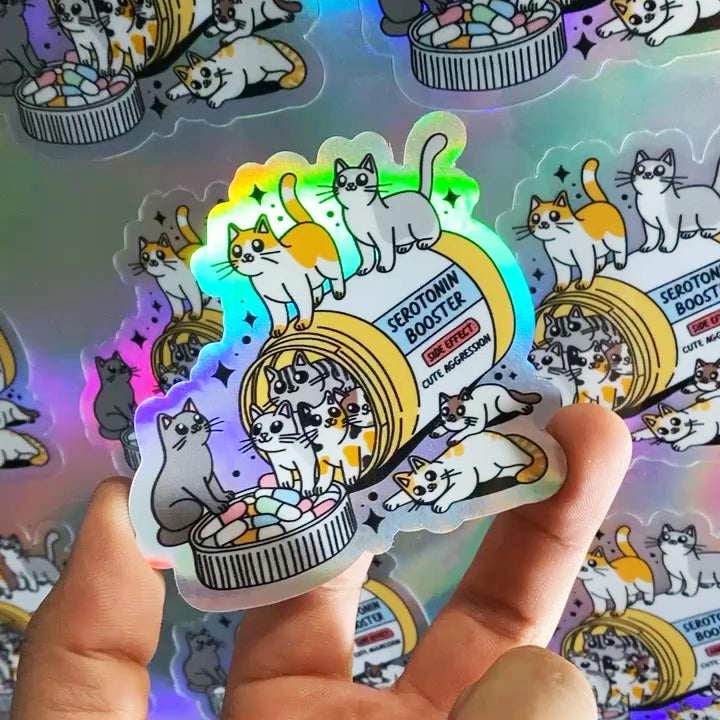
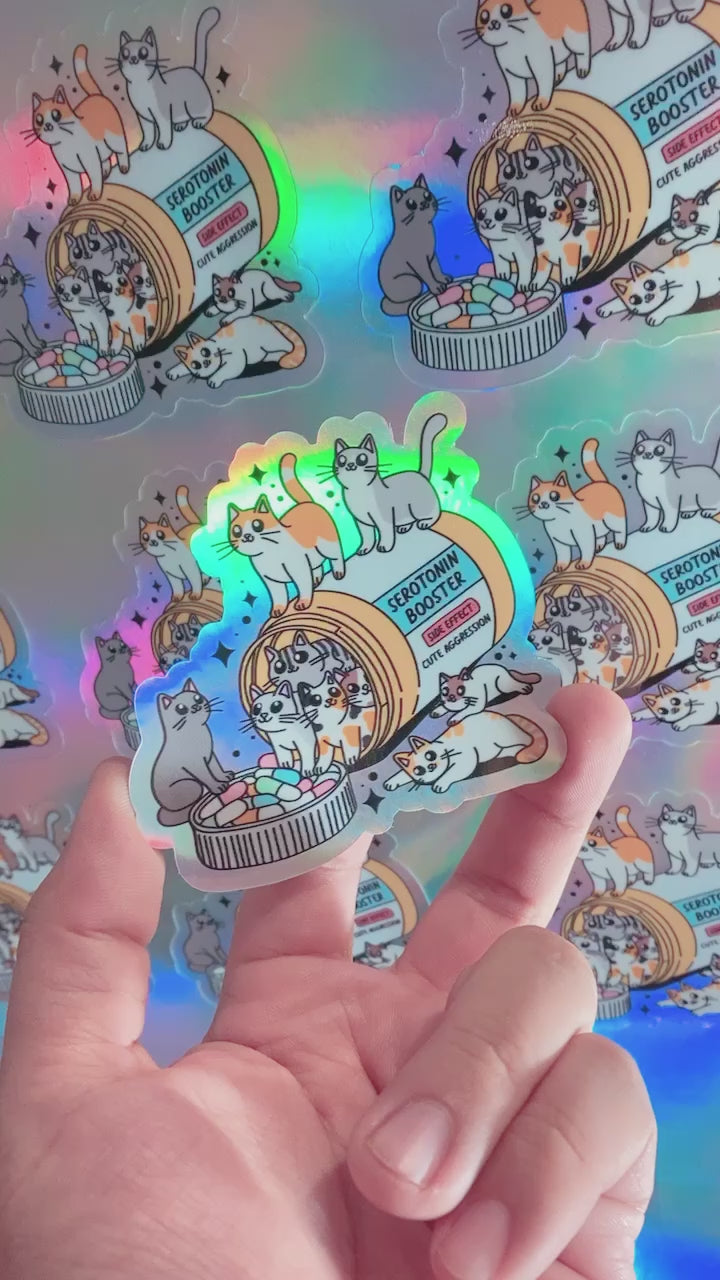
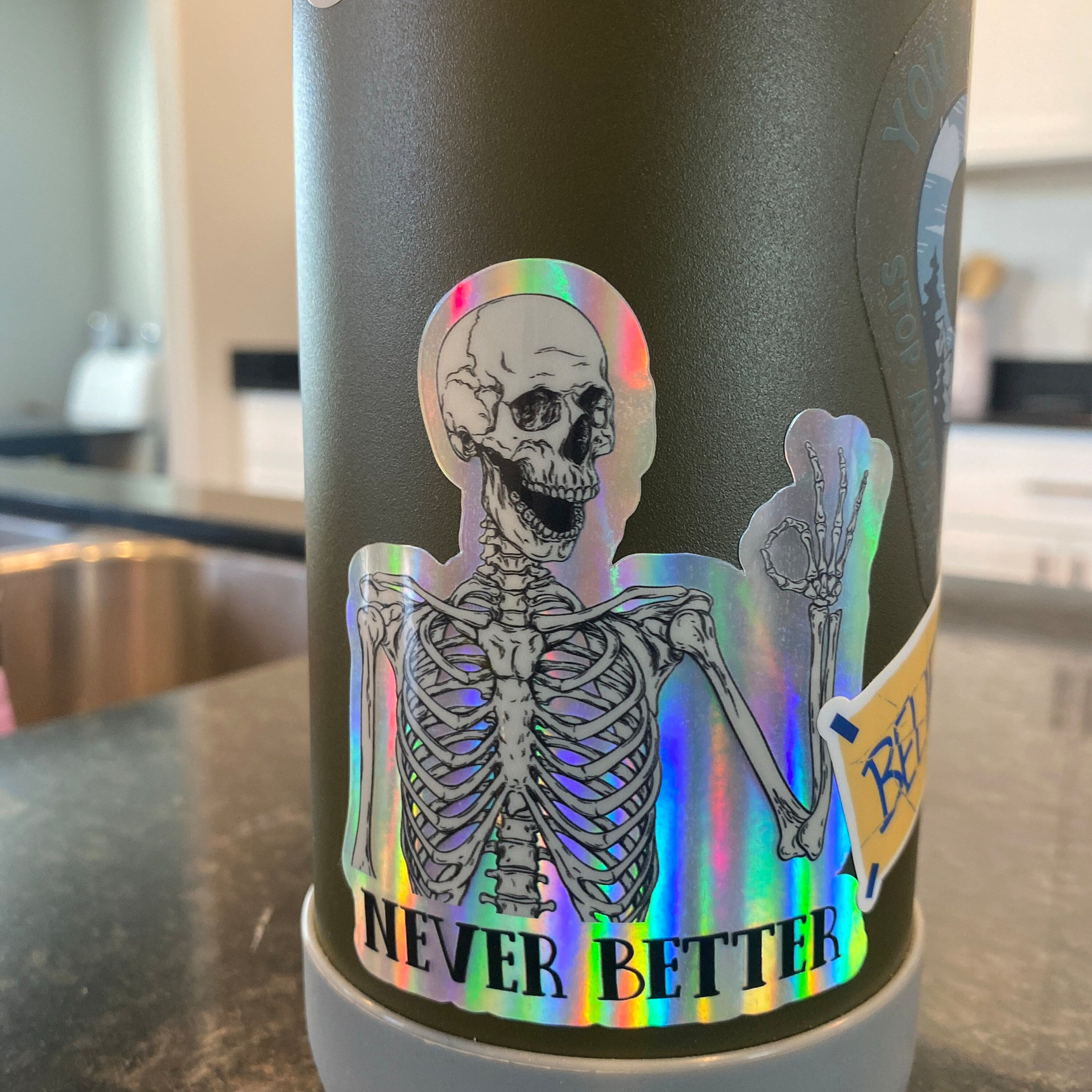
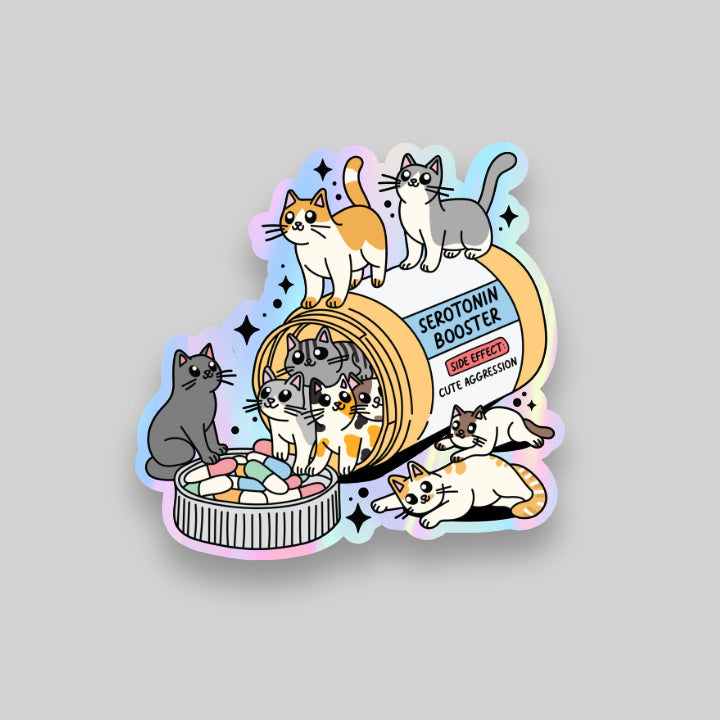
100 Custom 3″ Holographic Stickers for $35 – Waterproof & Die-Cut
Design Custom Stickers With an Instant Online Preview
Online Sticker Preview
Finished Custom Sticker
Custom Sticker Materials and Specialty Finishes
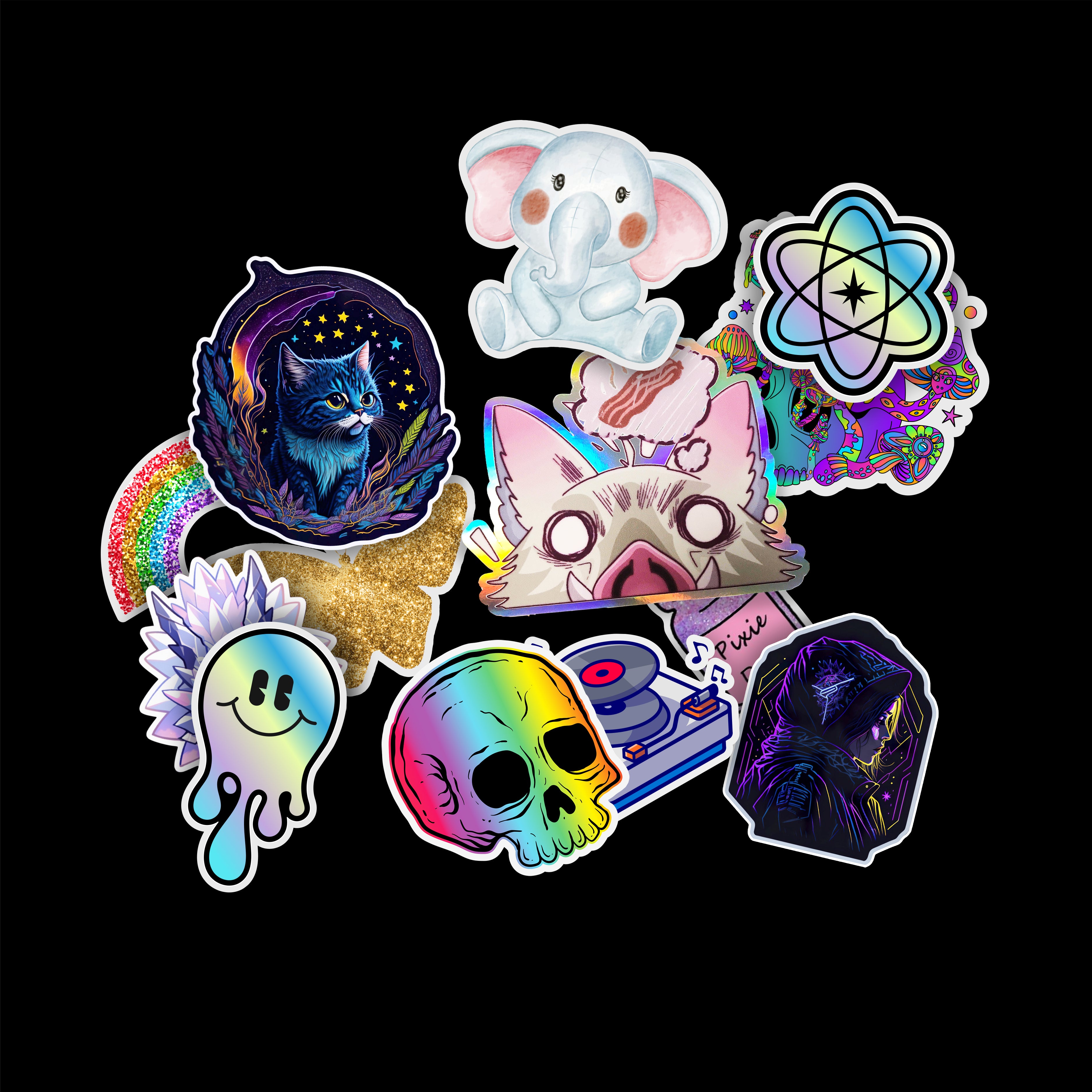
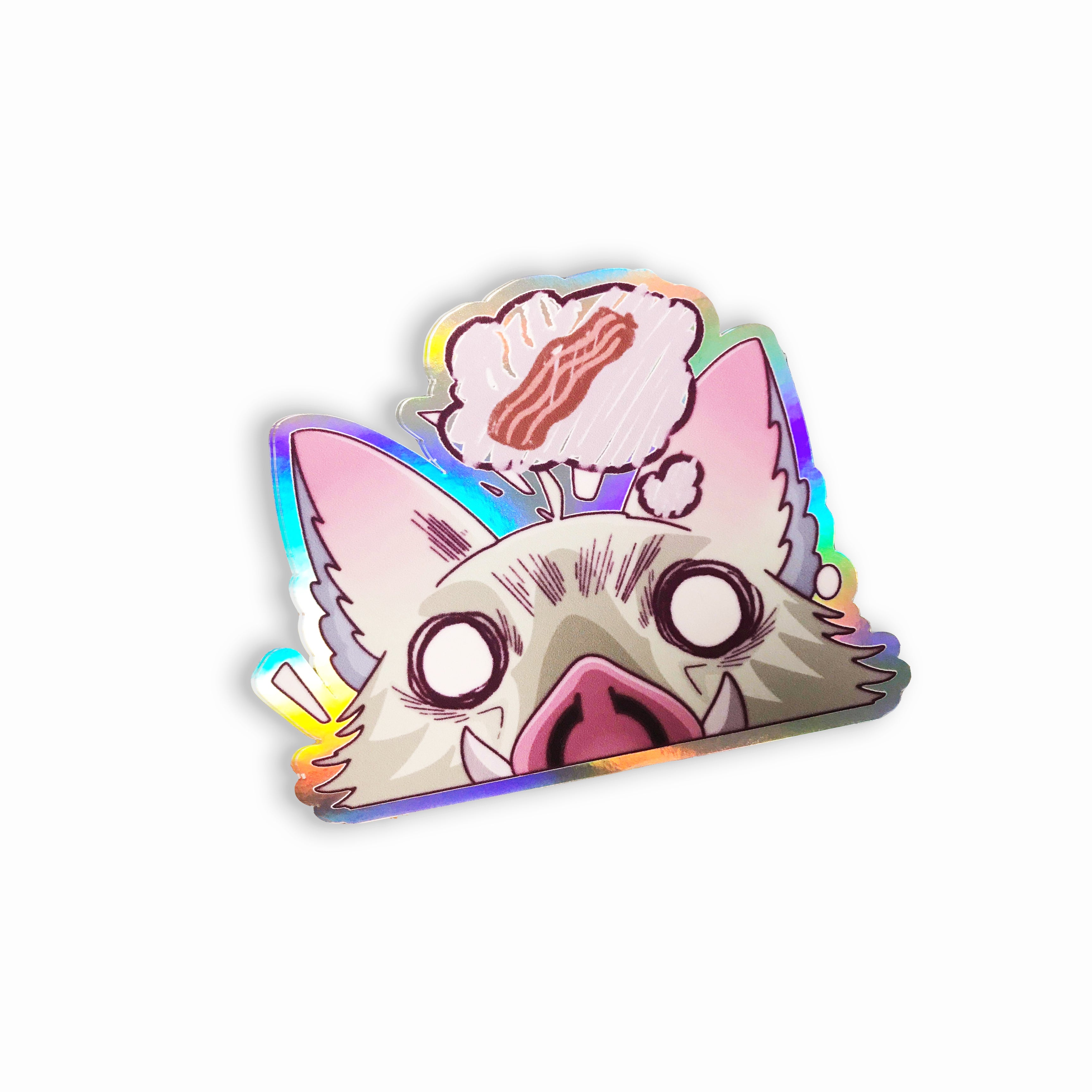
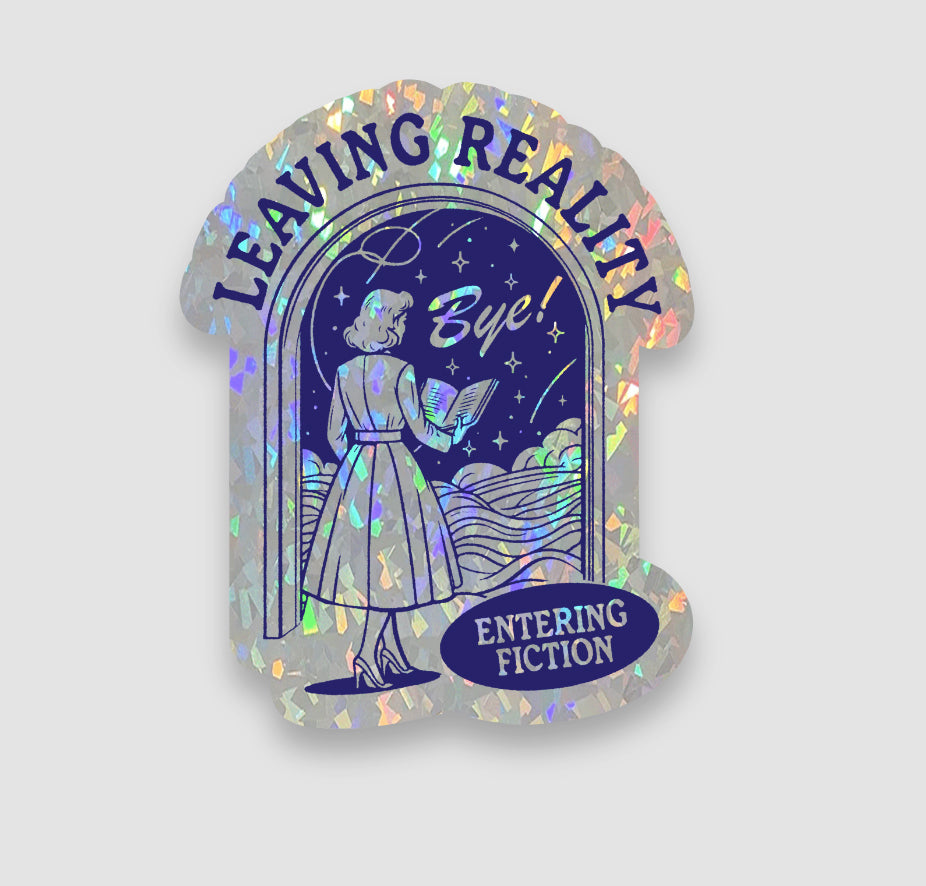
Choose premium waterproof vinyl stickers or stand out with specialty finishes, including holographic, crystal, and glow-in-the-dark. Every sticker is professionally printed, precision-cut, and finished in the USA, with fast production and nationwide shipping.

How to Order Custom Stickers
Upload Your Artwork
A transparent, high-resolution PNG is recommended.
Choose and Review
Select your size, quantity, and finish, then review your online preview.
We Print and Ship
Proudly made in the USA. Professionally printed, laminated, and precision-cut for premium quality, with free standard shipping nationwide.

Custom Stickers for Businesses, Artists & Creators
Sticker Swan prints custom stickers for ecommerce brands, local businesses, artists, creators, event organizers, and growing companies across the United States.









FAQs
Where can I make custom stickers online?
You can make custom stickers online with Sticker Swan’s Sticker Maker. Upload your artwork, choose the size, material, finish, and quantity, then review an instant online preview before ordering. Print-ready orders placed by 12 PM ET can begin printing the same day. Every sticker is printed and finished in Jacksonville, Florida, with free standard U.S. shipping.
Are vinyl stickers waterproof?
Yes. Sticker Swan custom vinyl stickers are printed on waterproof vinyl and protected with a gloss or matte laminate. They resist water, scratches, sunlight, and normal outdoor exposure, making them suitable for water bottles, laptops, vehicles, packaging, and equipment. Apply them to a clean, dry, smooth surface for the strongest adhesion.
What file type works best for custom stickers?
A high-resolution PNG with a transparent background works best for custom stickers. For the sharpest printing, submit artwork at approximately 300 DPI at the final printed size. Sticker Swan also accepts JPG, PDF, SVG, AI, and EPS files. Avoid screenshots, compressed images, and small web graphics whenever possible.
Do I need design skills to make stickers?
No. You do not need professional design skills to make custom stickers. Sticker Swan’s online Sticker Maker lets you upload artwork, add text, adjust colors, choose your options, and review an instant preview before ordering. If your artwork is already finished, simply upload the file and configure your size, finish, and quantity.
How fast can I get custom stickers?
Print-ready, fully paid orders placed by 12 PM ET can begin printing the same day and are typically handed to the carrier on the next eligible pickup day. USPS handoffs occur Monday–Saturday, while UPS handoffs occur Monday–Friday. Delivery time begins after carrier acceptance. For a tight deadline, choose UPS 2nd Day Air or UPS Next Day Air at checkout.
What sizes are available for custom stickers?
Sticker Swan offers custom stickers from approximately 1 inch up to 30 inches, depending on the selected material and product. Popular sizes include 2.5-inch and 3-inch stickers for packaging, branding, merchandise, laptops, and water bottles. Choose your dimensions in the Sticker Maker; the final cut follows the shape of your artwork.
What is the most affordable way to order custom stickers?
Ordering in bulk is the most affordable way to buy custom stickers. Sticker Swan’s online Sticker Maker automatically applies volume pricing as you increase the quantity, lowering the cost per sticker—no discount code required. For fast, preset quantities and special pricing, visit our Sticker Deals page. All featured bundles include free standard U.S. shipping.
What is a proof, and why do I need one?
A sticker proof is a digital preview showing the expected size, shape, artwork placement, and cut line before printing. Sticker Swan’s Sticker Maker generates a free, instant online proof, allowing you to review and adjust your design without waiting for an email. Screen colors may differ slightly from the finished print because displays and printed materials reproduce color differently.
What’s the difference between die-cut and kiss-cut stickers?
Die-cut stickers are cut through both the vinyl and backing paper to follow the outside shape of your design. Kiss-cut stickers are cut through the vinyl layer while leaving the surrounding backing paper intact, making them easier to peel and protecting the sticker during handling. If you prefer a kiss-cut format, include that request in the order notes inside the Sticker Maker app.
How long do custom vinyl stickers last?
Sticker Swan custom vinyl stickers are designed for multi-year indoor and outdoor use. Premium vinyl and a protective gloss or matte laminate help resist fading, water, scratching, and weather exposure. Actual lifespan depends on the application surface, preparation, sunlight, climate, cleaning, and handling. For the strongest adhesion, apply the sticker to a clean, dry, smooth surface.
Can I order small quantities?
Yes. Small-quantity orders start at 10 stickers for select products, sizes, and materials. They are ideal for testing a design, creating samples, or launching a small project. Larger quantities receive automatic volume pricing in the Sticker Maker, reducing the cost per sticker.
What finishes can I choose for my stickers?
Sticker Swan offers standard and specialty sticker materials for different visual and performance needs. Available options include:
Gloss vinyl: Bright shine and vibrant color
Matte vinyl: Smooth, low-glare appearance
Clear vinyl with white ink: Transparent areas with controlled opacity
Window cling: Removable, repositionable graphics for glass
Holographic: Reflective, color-shifting rainbow effect
Glitter: Sparkling reflective appearance
Pixie: Fine shimmer with a subtle reflective effect
Crystal: Distinctive textured and reflective surface
Chrome: Metallic, mirror-like appearance
Glow-in-the-dark: Charges under bright light and glows afterward
Spot metallic: Metallic effects applied to selected design areas
High-tack vinyl: Strong permanent adhesive for challenging surfaces
Available finishes, sizes, and protective laminates vary by product. Select your material in the Sticker Maker to view its current options and pricing.
How do I apply stickers without bubbles?
Apply stickers to a clean, dry, smooth surface. Remove dust, oil, wax, and moisture, then allow the surface to dry completely. Peel back a small portion of the liner, position the sticker, and press it down gradually with a squeegee or a card wrapped in a soft cloth. Work from the center outward to push out trapped air.
For large decals, use a wet-application method only when the selected material is compatible. Do not use Windex or household cleaners during installation because their chemicals may reduce adhesion. After application, allow the adhesive time to bond before washing or exposing the sticker to heavy moisture.

Custom Sticker Printing for Artists, Businesses and Brands
Custom Stickers Online — Made in the USA, Shipped Nationwide
Sticker Swan is a U.S.-based custom sticker manufacturer offering premium waterproof vinyl stickers, specialty finishes, and bulk sticker printing for customers nationwide. Order 100 custom stickers starting at $18, with free standard U.S. shipping.
Our online Sticker Maker lets you upload artwork, choose your sticker size, material, finish, and quantity, and preview your design with instant pricing before checkout.
Every sticker is professionally printed, laminated when applicable, and precision-cut at our U.S. production facility. Print-ready, fully paid orders placed by 12 PM ET qualify for same-day printing, subject to production availability. Expedited shipping options are available at checkout.
Who Orders Custom Stickers from Sticker Swan?
- Artists & Creators: Custom die-cut stickers, merchandise, and original artwork.
- Small Businesses: Branded packaging stickers, promotional decals, and product labels.
- Ecommerce Brands: Waterproof vinyl stickers for packaging, branding, and customer orders.
- Events & Promotions: Custom stickers for giveaways, campaigns, and branded merchandise.
- Growing Companies: Bulk custom sticker printing with automatic quantity discounts.
Choose from gloss, matte, clear, holographic, and specialty sticker finishes.
Upload your artwork, preview your stickers instantly, and order online. No setup fees or waiting for emailed proofs.
Made in the USA. Free Nationwide Shipping. Professional Custom Sticker Printing.
Custom Sticker Guides & Printing Tips
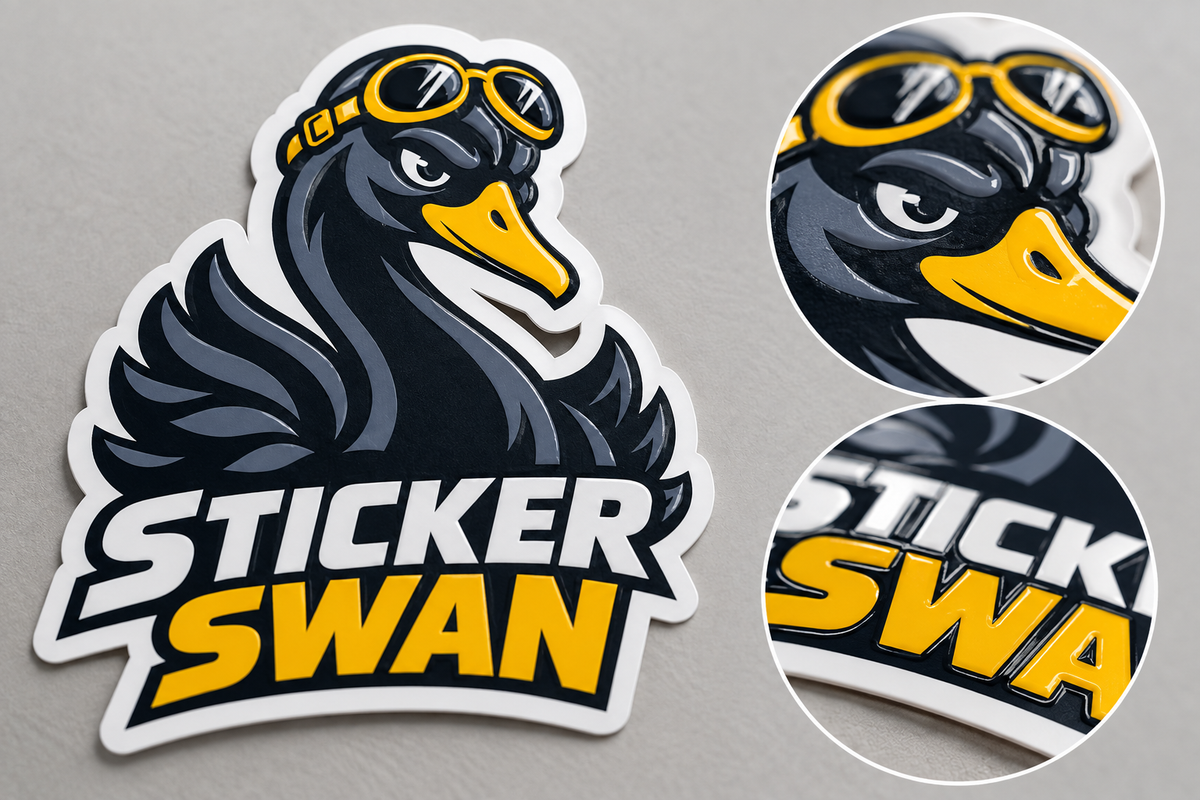
Raised UV Embossed Stickers: What They Are & When to Use Them
Raised UV embossed stickers add selective texture you can see and feel. Learn when the effect is worth choosing, how to prepare artwork, and what 100 custom 3-inch stickers for $89 includes.
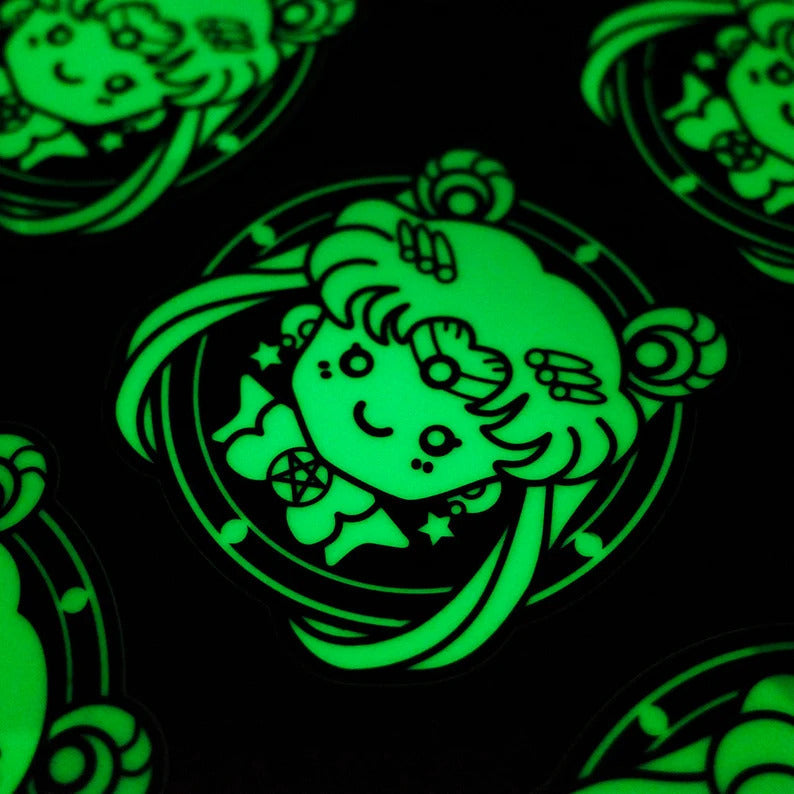
9 Glow-in-the-Dark Halloween Sticker Ideas & Design Tips
Bring Halloween creativity to life with 9 glow-in-the-dark sticker ideas, from glowing ghosts and jack-o'-lanterns to haunted houses and custom Halloween logos. Discover expert design tips, rechargeable glow effects, and premium custom die-cut printing from Sticker Swan. Order as few as 50 custom glow stickers, with free standard shipping nationwide.
What Size Should a QR Code Be for Printing? Complete Size & Scan Distance Guide
There is no single QR code size that works for every printed application. Learn practical starting sizes for stickers, packaging, counters and windows, how scan distance affects size, and why quiet zone, URL length and print quality matter.